
 Home
Home
 Apps
Apps




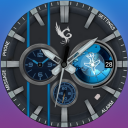
Explorer Pro Watch Face
A classic Wear OS watch face with multiple color themes.
Contains ads

1,000+
Total Global Downloads-
Bundle ID
com.gphoenix.explorerpro
-
Developer
GPhoenix Studio -
Category
Personalization -
Price
Free -
Update Time
Oct 7, 2025 -
0 Ratings
0
-
Bundle ID
com.gphoenix.explorerpro -
Developer
GPhoenix Studio -
category
Personalization
-
Price
Free -
Update Time
Oct 7, 2025 -
0 Ratings
0
 Screenshots & Media

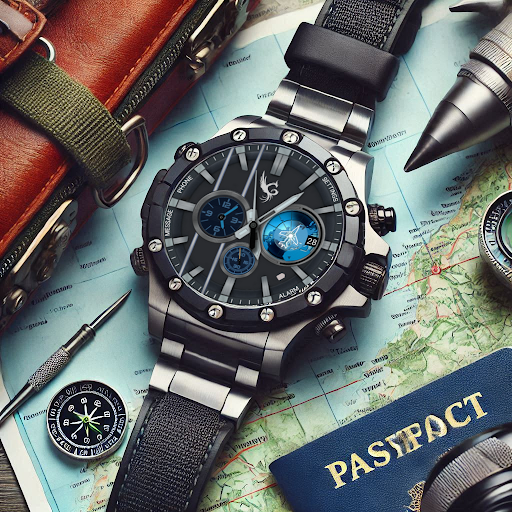

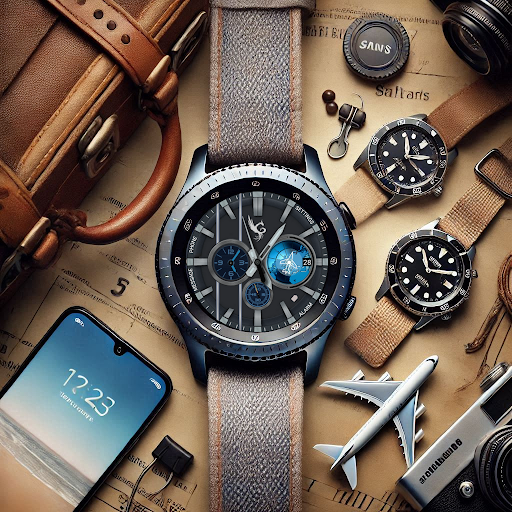
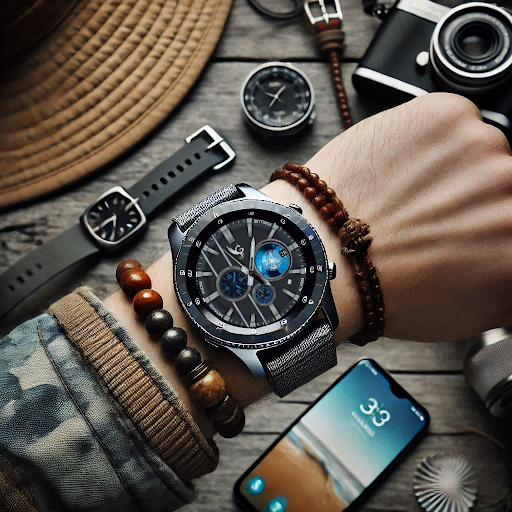
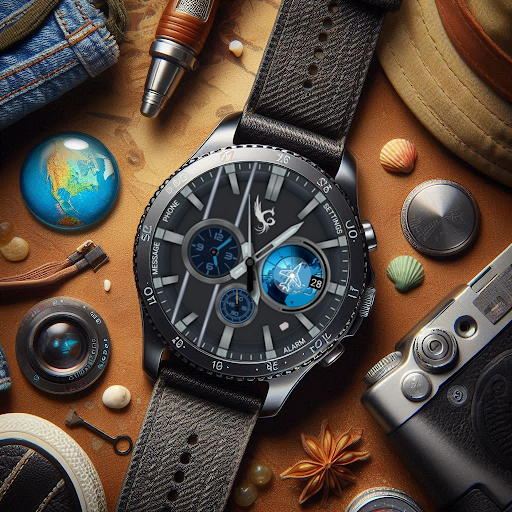
 App Info
 ***********
 Description
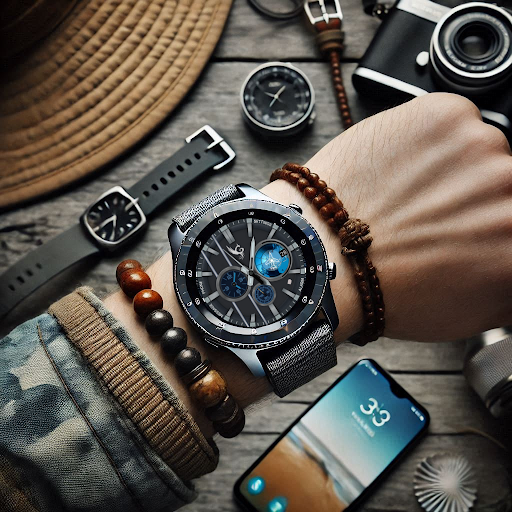
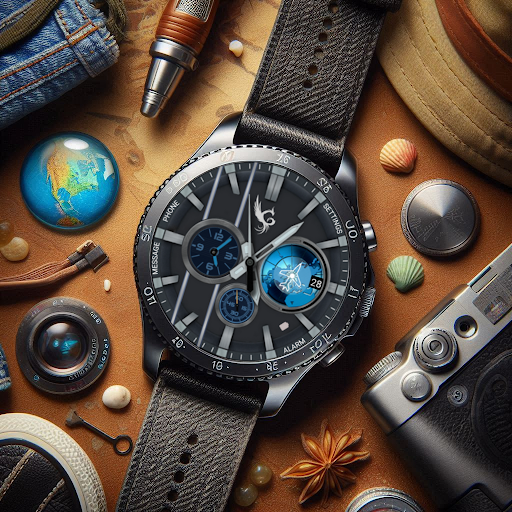
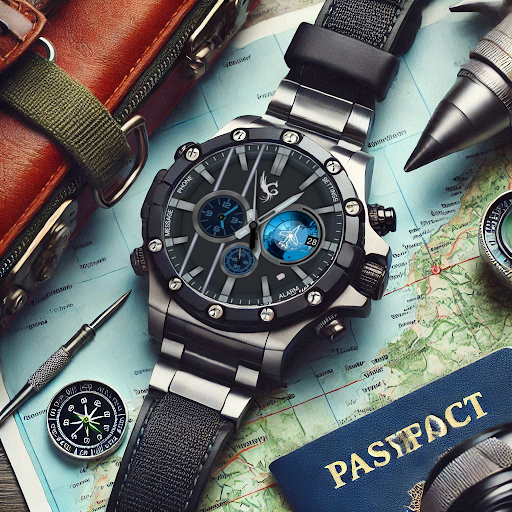
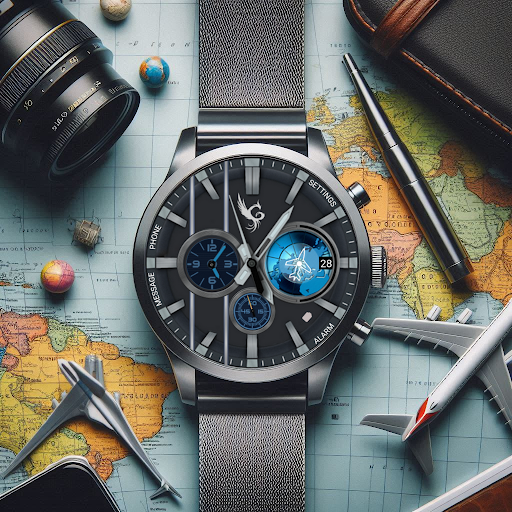
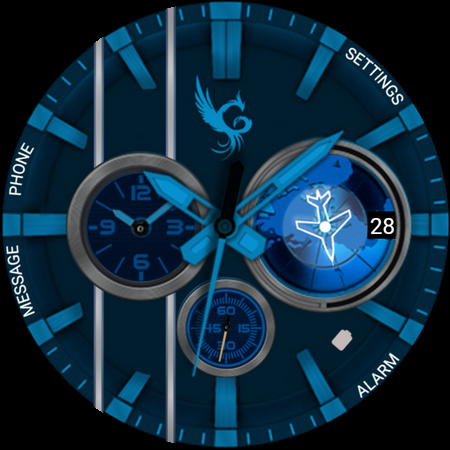
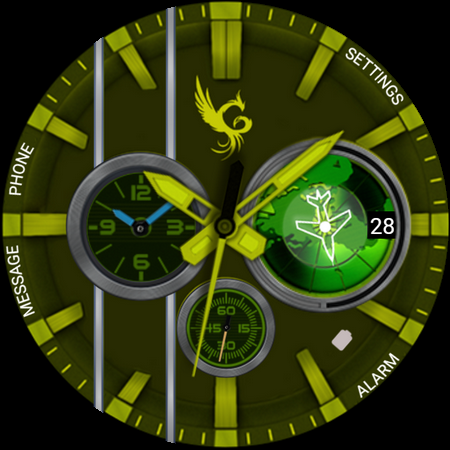
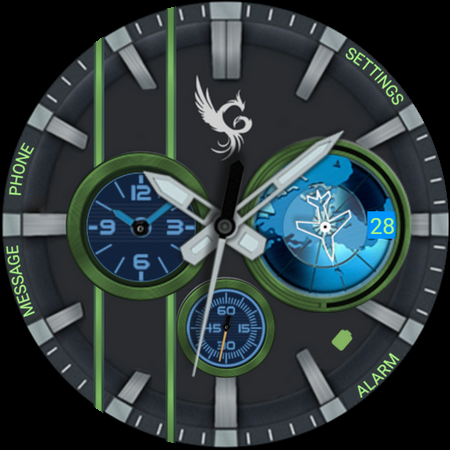
Explorer Pro Watch FaceUnleash your inner adventurer with the Explorer Pro Watch Face, designed for those who love exploring new horizons. This Wear OS watch face blends functionality and style, offering a rugged yet sleek design perfect for outdoor enthusiasts and urban explorers alike.
Features:
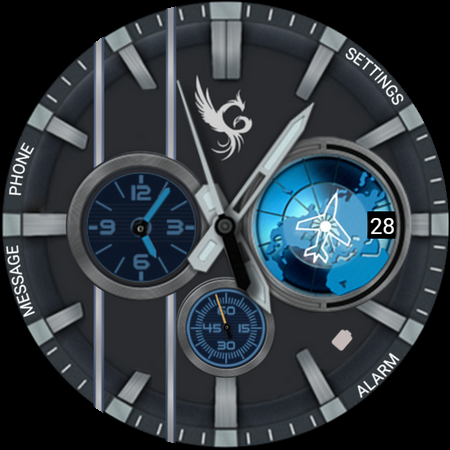
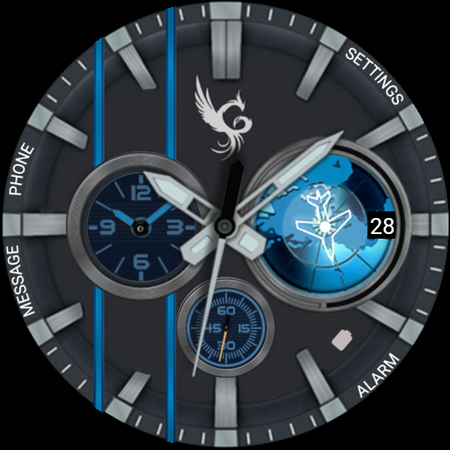
-Classic Display: Analog classic watch design
-Battery Shortcut: Access battery percentage through battery shortcut icon.
-Tap to Customize: Personalize your look with multiple color themes.
-Shortcut Access: Quick access to settings, alarm, messages, and schedule.
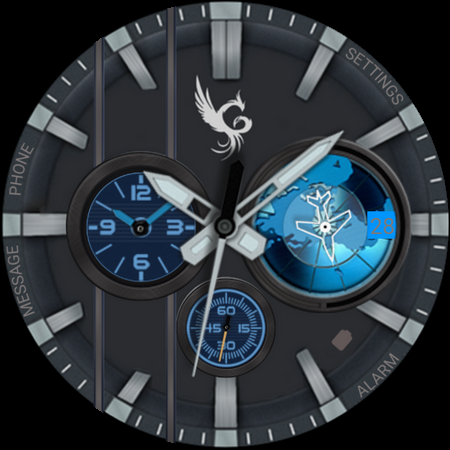
-Always-On Display (AOD): Optimized for day and night use.
Whether you're navigating the wilderness or the city streets, Explorer Pro Watch Face is your perfect companion. Customize your watch face to match your vibe and make every moment an adventure.
Download now and start exploring!
📍Installation Guide for Wear OS Watch Faces
Follow these step-by-step instructions to install a Wear OS watch face on your smartwatch, either from your smartphone or directly from the watch itself.
📍Installing from Your Phone
Step 1: Open the Play Store on Your Phone
Ensure your phone is connected to the same Google account as your smartwatch.
Open the Google Play Store app on your phone.
Step 2: Search for the Watch Face
Use the search bar to find the desired Wear OS watch face by name.
For example, search for "Explorer Pro Watch Face" if that’s the watch face you want.
Step 3: Install the Watch Face
Tap on the watch face from the search results.
Click Install. The Play Store will automatically sync the watch face with your connected smartwatch.
Step 4: Apply the Watch Face
Once installed, open the Wear OS by Google app on your phone.
Navigate to Watch Faces and select the newly installed watch face.
Tap Set Watch Face to apply it.
📍Installing Directly from Your Smartwatch
Step 1: Open the Play Store on Your Watch
Wake your smartwatch and open the Google Play Store app.
Ensure your watch is connected to Wi-Fi or paired with your phone.
Step 2: Search for the Watch Face
Tap on the search icon or use voice input to search for the desired watch face.
For example, say or type "Explorer Pro Watch Face".
Step 3: Install the Watch Face
Select the watch face from the search results.
Tap Install and wait for the installation to complete.
Step 4: Apply the Watch Face
Press and hold the current watch face on your watch’s home screen.
Swipe through the available watch faces until you find the newly installed one.
Tap on the watch face to set it as your default.
Troubleshooting Tips
Ensure Your Watch and Phone Are Synced: Both devices must be paired and logged into the same Google account.
Check for Updates: Update the Google Play Store and Wear OS by Google apps on both your phone and smartwatch.
Restart Your Devices: If the watch face doesn’t appear after installation, restart your smartwatch and phone.
Verify Compatibility: Confirm that the watch face is compatible with your smartwatch model and software version.
Now you’re ready to personalize your smartwatch with your favorite Wear OS watch faces! Enjoy your new look.

 Popular IAP
--
 Version History
| Version | Time |
| Oct 7, 2025 | Oct 7, 2025 |
| Apr 3, 2025 | Apr 3, 2025 |
| Jan 1, 1970 | Jan 1, 1970 |
Preparing
Ranking Trend
Last 7 Days
Last 30 Days
 Customize
Last 7 Days
Last 30 Days
Customize
Last 7 Days
Last 30 Days
Customize
Last 7 Days
Last 30 Days
Customize
Download Trend
Last 7 Days
Last 30 Days
Last 90 Days
Customize
More by【GPhoenix Studio】
| # | App | App Category | App Price | App Initial Release Date | |
| 1 |
|
Elegant Watch Faces
GPhoenix Studio
|
Shopping | Free | Feb 14, 2025 |
| 2 |
|
The Aristocrat Watch face
GPhoenix Studio
|
Personalization | USD1.49 | Feb 18, 2025 |
| 3 |

|
Chrono Prestige Watch Face
GPhoenix Studio
|
Personalization | USD0.99 | Mar 28, 2025 |
| 4 |
|
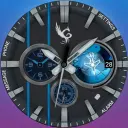
Explorer Pro Watch Face
GPhoenix Studio
|
Personalization | Free | Jan 16, 2025 |
| 5 |

|
Executive Timepiece Watch Face
GPhoenix Studio
|
Personalization | USD1.49 | Apr 21, 2025 |
| 6 |

|
The Consul Wear OS Watch Face
GPhoenix Studio
|
Personalization | USD1.49 | May 12, 2025 |
| 7 |

|
Quote Time for Wear OS
GPhoenix Studio
|
Business & Office | Free | Aug 23, 2025 |
| 8 |
|
Minimalist Accent Watch Face
GPhoenix Studio
|
Personalization | USD1.49 | Dec 21, 2025 |
| 9 |
|
SkelTic Watch Face
GPhoenix Studio
|
Personalization | USD1.99 | Dec 5, 2025 |
| 10 |

|
2026 Racer DashBoard Wear OS
GPhoenix Studio
|
Business & Office | USD1.99 | Feb 4, 2026 |