Home
Home
 Apps
Apps





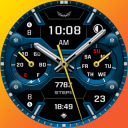
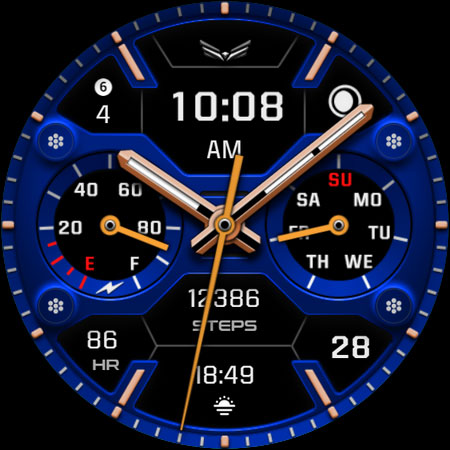
Ballozi VINGER Hybrid Analog
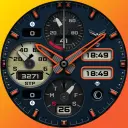
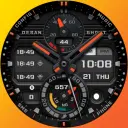
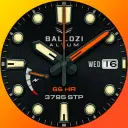
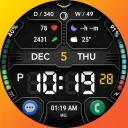
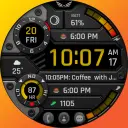
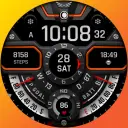
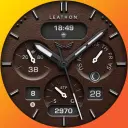
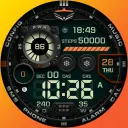
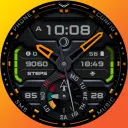
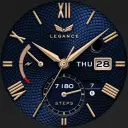
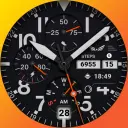
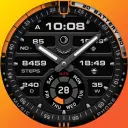
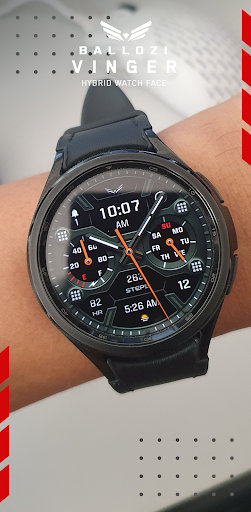
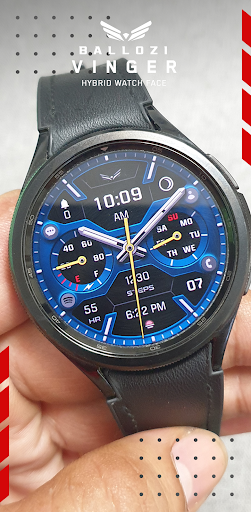
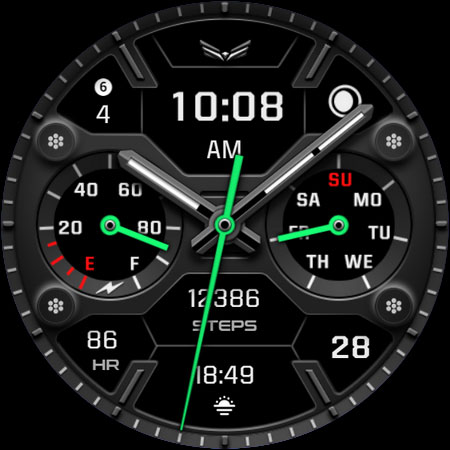
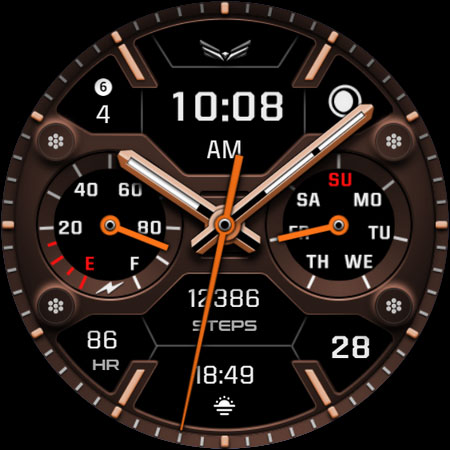
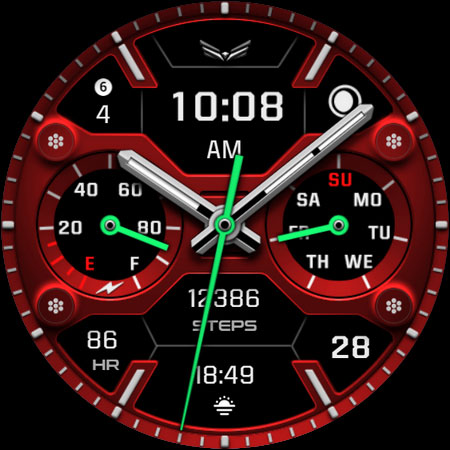
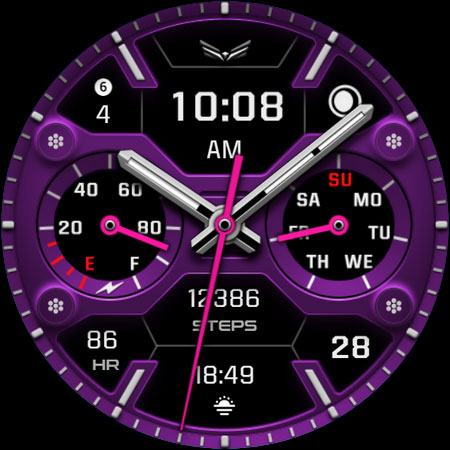
A premium modern hybrid watch face for Wear OS

1,000+
Total Global Downloads-
Bundle ID
com.watchfacestudio.ballozi.vinger.watchface
-
Developer
BALLOZI Watch Faces -
Category
Personalization -
Price
$1.49 -
Update Time
Nov 30, 2025 -
65 Ratings
4.785714
-
Bundle ID
com.watchfacestudio.ballozi.vinger.watchface -
Developer
BALLOZI Watch Faces -
category
Personalization
-
Price
$1.49 -
Update Time
Nov 30, 2025 -
65 Ratings
4.785714
 Screenshots & Media

 App Info
 ***********
 Description
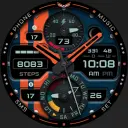
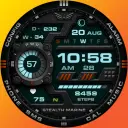
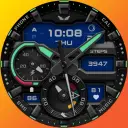
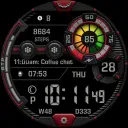
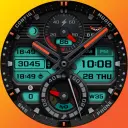
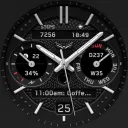
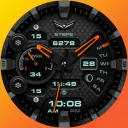
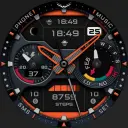
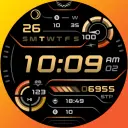
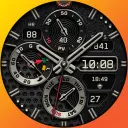
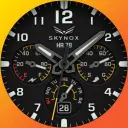
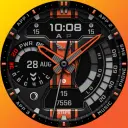
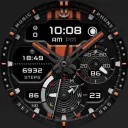
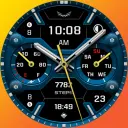
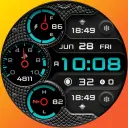
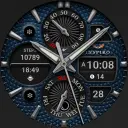
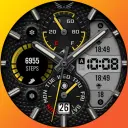
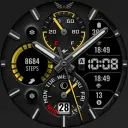
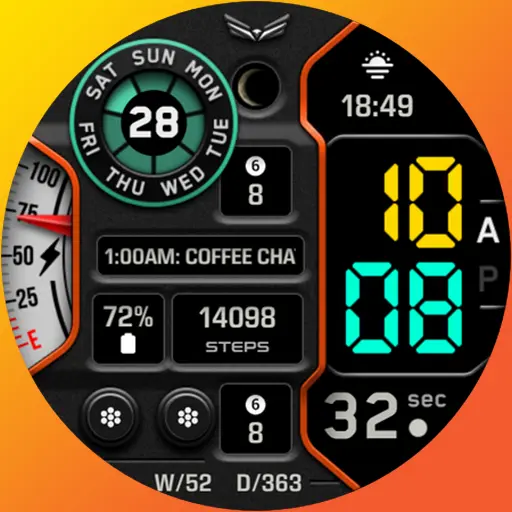
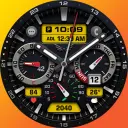
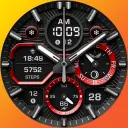
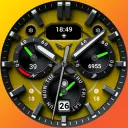
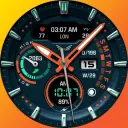
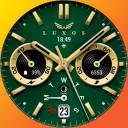
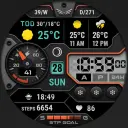
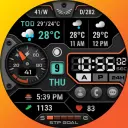
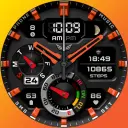
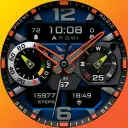
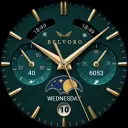
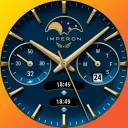
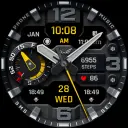
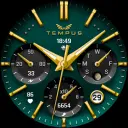
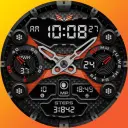
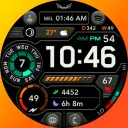
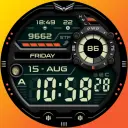
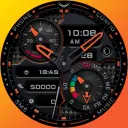
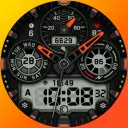
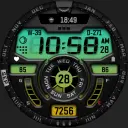
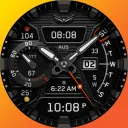
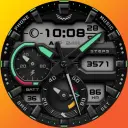
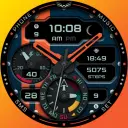
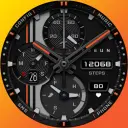
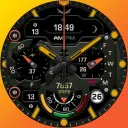
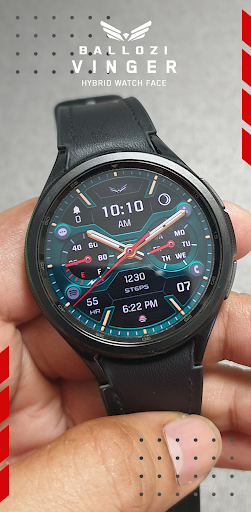
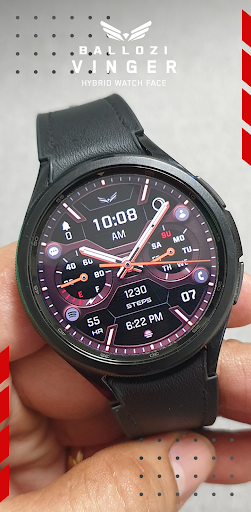
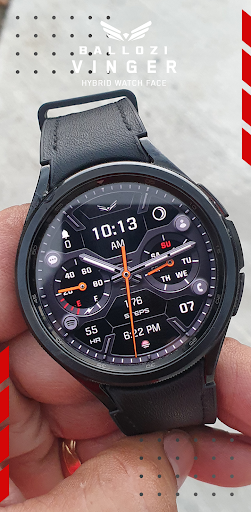
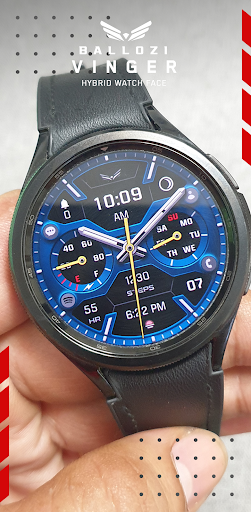
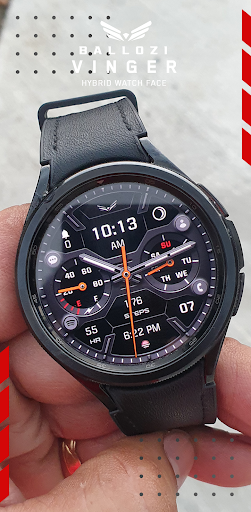
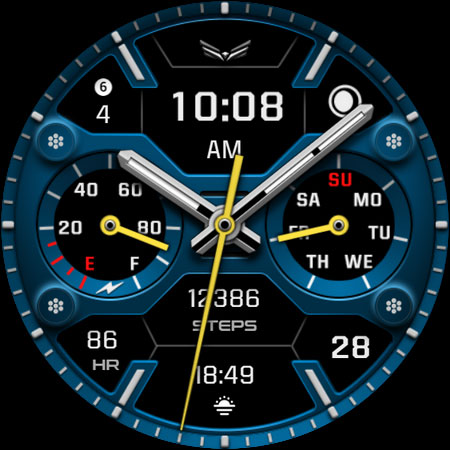
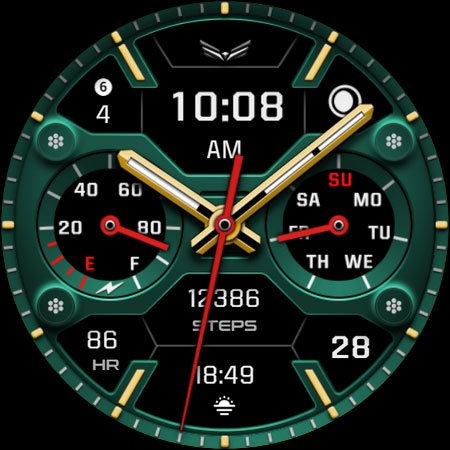
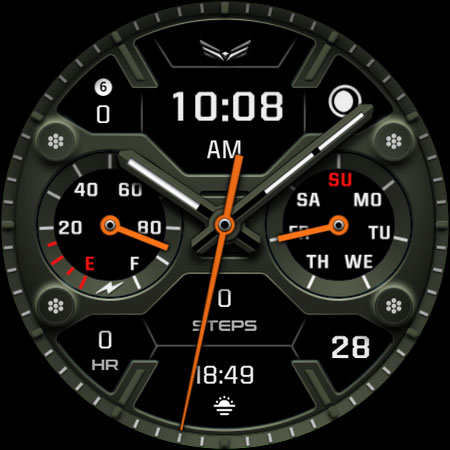
Ballozi VINGER is a hybrid sporty watch face for Wear OS devices. It has a customizable watch hands and subdial pointers to choose from. A Multilanguage on the day of week was implemented in the recent updates and a 4 customizable app shortcuts with icons.INSTALLATION OPTIONS:
1. Keep your watch connected to your phone.
2. Install in the phone. After installation, immediately check your watch face list in your watch by pressing and hold display then swipe to the very end and click Add watch face. There you can see the newly installed watch face and just activate it.
3. After installation, you can also check the following:
A. For Samsung watches, check your Galaxy Wearable app in your phone (install it if not yet installed). Under Watch faces > Downloaded, there you can see the newly installed watch face and then just apply it to connected watch.
B. For other smartwatch brands, for other Wear OS devices, please check the watch app installed in your phone that comes with your smartwatch brand and find the newly installed watch face in the watch face gallery or list.
4. Please also visit the link below showing many options how to install Wear OS watch face in your watch.
https://developer.samsung.com/sdp/blog/en-us/2022/11/15/install-watch-faces-for-galaxy-watch5-and-one-ui-watch-45
For support and request, you can email me at [email protected]
⚠️NOTICE of Device Compatibility:
This is a Wear OS app and is only compatible with smartwatches running Wear OS 5.0 or higher (API level 34+)
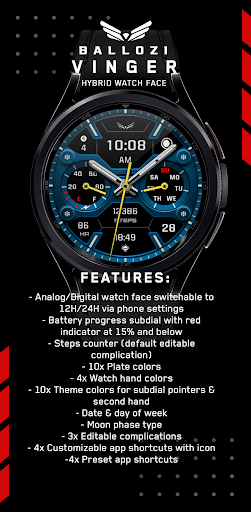
FEATURES:
- Analog/Digital watch face switchable to 12H/24H via phone settings
- Battery progress subdial with red indicator at 15% and below
- Steps counter (default editable complication)
- 9x Plate colors
- 9x Watch hand colors including the disable option
- 10x Theme colors for subdial pointers & second hand
- Date & day of week
- Moon phase type
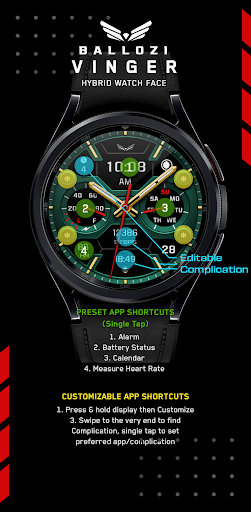
- 3x Editable complications
- 4x Customizable app shortcuts with icon
- 4x Preset app shortcuts
CUSTOMIZATION:
1. Press and hold display then hit "Customize".
2. Swipe left and right to choose what to customize.
3. Swipe up and down to choose options available.
4. Hit "OK".
PRESET APP SHORTCUTS:
1. Alarm
2. Battery Status
3. Calendar
4. Measure Heart Rate
Note:
If Heart Rate is 0, you probably missed the Allow permission
in the first installation. Please try solutions below:
1. Please do this two (2) times - switch to another watch face and switch back to this face to enable the permission
2. You can also enable permissions in the Settings> Apps> Permission> find this watch face.
3. Also this can be triggered by a single tap to measure the heart rate. Some of my watch faces are still in Manual Refresh
CUSTOMIZABLE APP SHORTCUTS
1. Press & hold display then Customize
3. Find Complication, single tap to set preferred app in the shortcuts.
Check out Ballozi's updates at:
Facebook page: https://www.facebook.com/ballozi.watchfaces/
Instagram: https://www.instagram.com/ballozi.watchfaces/
Youtube Channel: https://www.youtube.com/@BalloziWatchFaces
Pinterest: https://www.pinterest.ph/ballozi/
For support, you can email me at [email protected]

 Popular IAP
--
 Version History
| Version | Time |
| Nov 30, 2025 | Nov 30, 2025 |
| Oct 9, 2025 | Oct 9, 2025 |
| Aug 18, 2025 | Aug 18, 2025 |
| Feb 15, 2025 | Feb 15, 2025 |
| Dec 23, 2024 | Dec 23, 2024 |
| Sep 11, 2024 | Sep 11, 2024 |
| Jul 24, 2024 | Jul 24, 2024 |
| Jun 12, 2024 | Jun 12, 2024 |
| Jun 7, 2024 | Jun 7, 2024 |
Preparing
Ranking Trend
Last 7 Days
Last 30 Days
 Customize
Last 7 Days
Last 30 Days
Customize
Last 7 Days
Last 30 Days
Customize
Last 7 Days
Last 30 Days
Customize
Download Trend
Last 7 Days
Last 30 Days
Last 90 Days
Customize