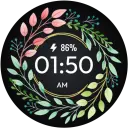
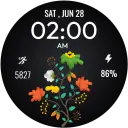
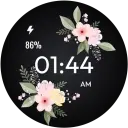
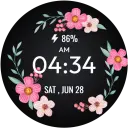
主页
主页
 应用
应用





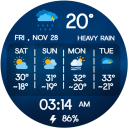
Weather Forecast for Wear OS
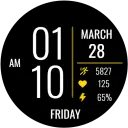
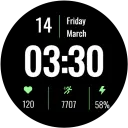
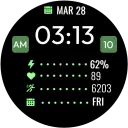
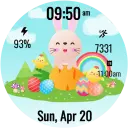
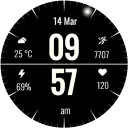
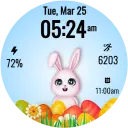
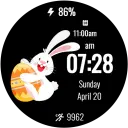
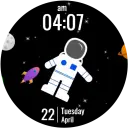
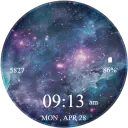
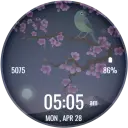
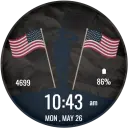
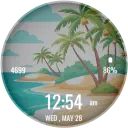
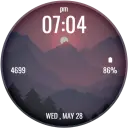
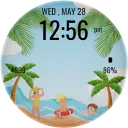
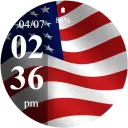
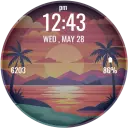
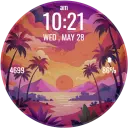
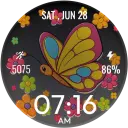
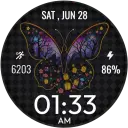
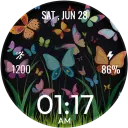
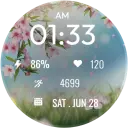
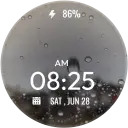
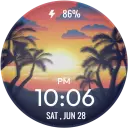
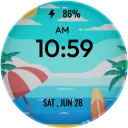
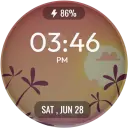
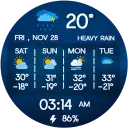
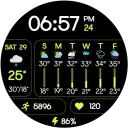
数字天气表盘,显示每小时天气预报、每周气温和电池电量。
包含广告

1,000+
全球下载量-
捆绑包ID
com.watchface.weatherwearos.weather
-
开发人员
jigu watchface -
应用类型
天气 -
价格
免费 -
更新时间
2026年02月25日 -
22个评分
4.5
-
捆绑包ID
com.watchface.weatherwearos.weather -
开发人员
jigu watchface -
应用类型
天气
-
价格
免费 -
更新时间
2026年02月25日 -
22个评分
4.5
 屏幕截图和多媒体


 应用信息
应用信息
 ***********
 描述
描述
Stay updated with real-time weather details right on your wrist withWeather Forecast for Wear OS—a smart, visually rich watch face
designed to display hourly forecasts, weekly temperatures, and
essential daily stats. Perfect for users who rely on accurate weather
information throughout the day.
🌤 Perfect For:
Weather-conscious users who enjoy forecast, temperature, rain,
snow, storm alerts, digital displays, and detailed weather watch
faces.
📅 Ideal for Everyday Use:
Whether planning your day, traveling, exercising, or checking upcoming
weather changes, this watch face delivers clear and reliable updates
at a glance.
✨ Key Features:
1. Hourly/Weekly Weather Forecast with Icons (Rain, Snow, Clouds, Clear)
2. Digital Display: Time, date, battery % & weather details
3. 4-Day Weekly Temperature Panel
4. weather-style backgrounds
5. Always-On Display (AOD) Support
6. Optimized for smooth performance on all Wear OS smartwatches
⚙️ Phone App Features
•The companion app helps you install and locate the watch face
on your Wear OS device. No extra settings required.
⌚ Watch Face Features
• 12/24h Digital Time
• Date & Day
• Weekly Temperature Display
• Current Temperature & Condition
• Battery Percentage
• Always-On Display (AOD)
📲 Installation Instructions:
1. Open the Companion App on your phone.
2. Tap “Install on Watch.”
3. Select Weather Forecast for Wear OS from your watch face list.
✅ Compatibility:
• Compatible with all Wear OS devices (API 33+), including:
• Google Pixel Watch
• Samsung Galaxy Watch
• Other Wear OS watches
❌ Not suitable for rectangular watches.
• Keep your day in control with Weather Forecast for Wear
OS—your reliable weather companion, anytime and anywhere. 🌦️
Note : Weather may not update if your watch isn’t properly synced with
your phone. Make sure Bluetooth is connected, Location permission is
enabled, and your phone has an active internet connection. After
syncing, the weather will refresh automatically.

 热门IAP
热门IAP
--
 版本历史
版本历史应用排名趋势
近7天
近30天
 自定义
自定义
近7天
近30天
自定义
近7天
近30天
自定义
近7天
近30天
自定义
下载量趋势
近7天
近30天
近90天
自定义